Make your places look great on Google
The photos people see on Google Maps are mostly terrible. PixGap helps councils, businesses, and agents replace them with professional imagery — and keeps them there.
Visual Gap Score
34 / 100
Kew's places are underperforming on Google. Most photos are low-quality user contributions.
The Problem
This is what visitors see today
Blurry user photos dominate Google, shaping first impressions of your area before anyone sets foot there.
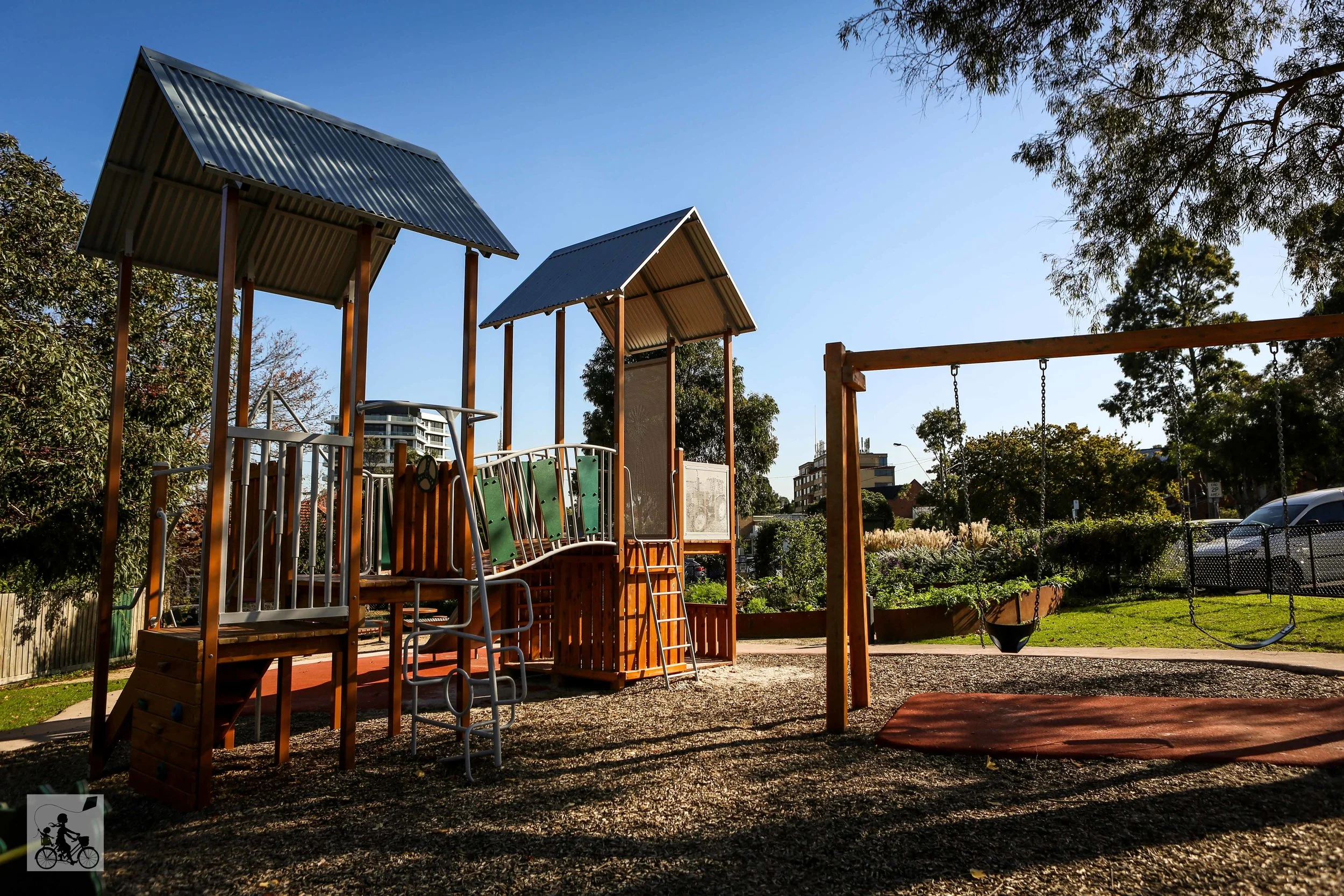 Quality: 18/100
Kew Junction Reserve
“What families see when searching for local parks”
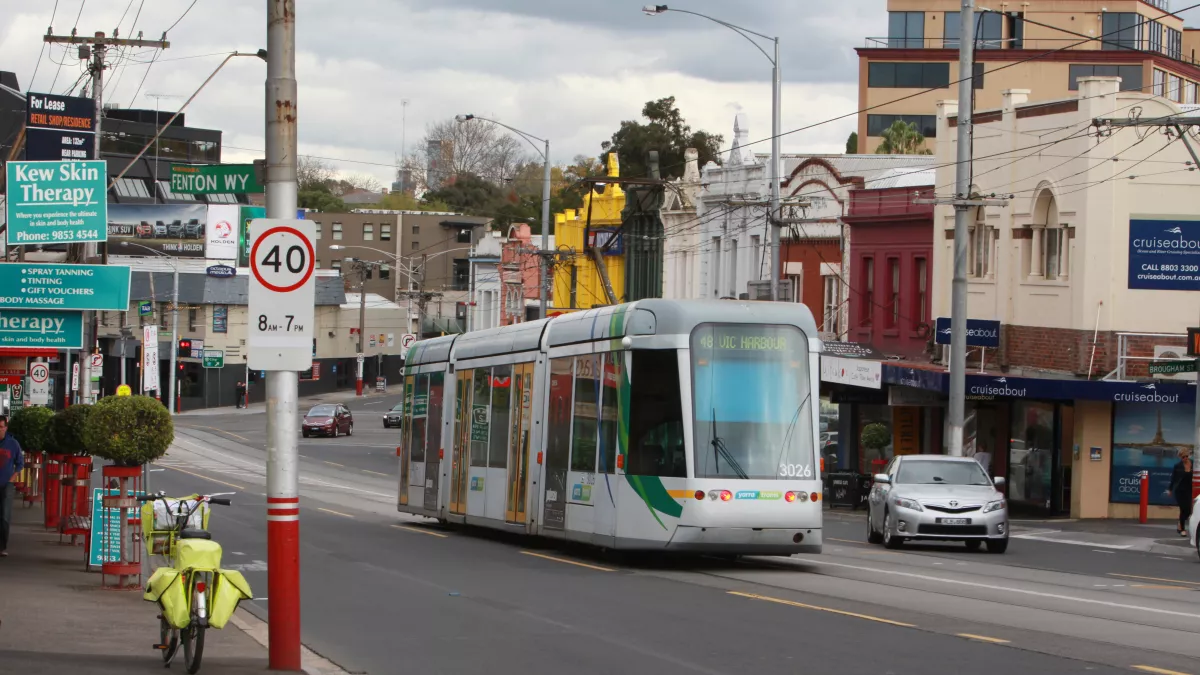 Quality: 22/100
High Street Shops
“What buyers see when researching the high street”
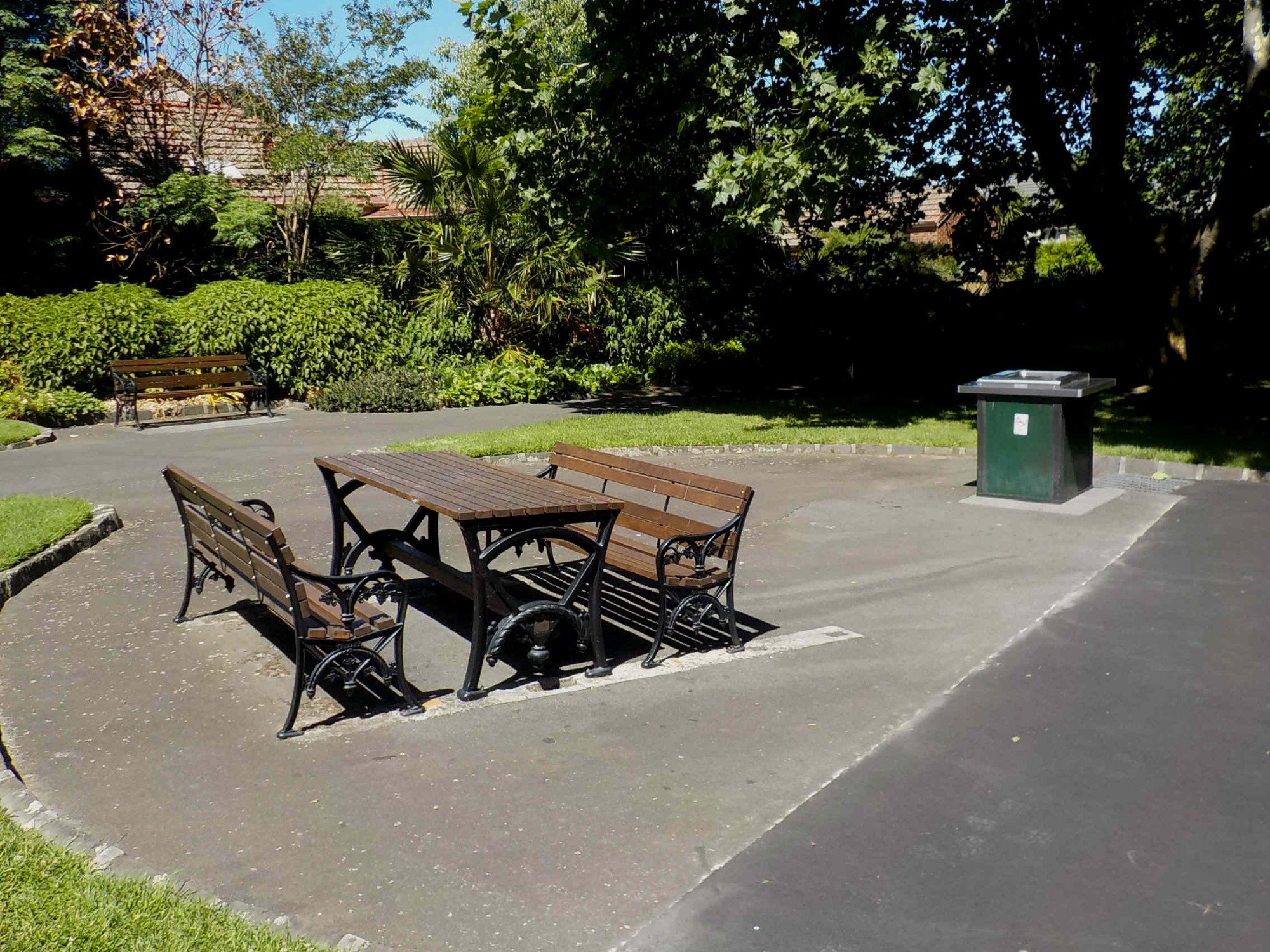 Quality: 15/100
Kew Gardens
“What tourists see when planning their visit”
How It Works
Three steps to better Google photos
See the gap
Discover what Google is currently showing for your places and where the weakest visual coverage appears first.
Upload better photos
Upload supported image formats, attach them to real places, and let the photo pipeline run quality and review checks after submission.
Push to Google & defend
Use the supported publishing path for your place type. Direct GBP publishing and ongoing monitoring are still limited to the environments and workflows that have been fully configured.
720+
Places analysed in beta
34
Average area VGS score
< 30s
To generate your report
Visual Gap Score
Poor
Your area today
See where you could be
Area benchmark
★ Your area | 34/100 |
Next suburb | 58/100 |
Regional avg | 41/100 |
Analytics & Reports
Every place gets a score. Every score tells a story.
PixGap can already surface score snapshots, benchmarks, and area report views. Continuous monitoring, recurring alerts, and polished stakeholder reporting are still in progress and should be treated as preview work.
0–100
Visual Gap Score per place
+37pts
Avg improvement in 5 months
< 30s
To generate your report
Improve your 5 lowest-scoring places for free.
Start with your area's lowest-scoring locations. No credit card required.
Get Started →